usb-rea: generating a Linux driver for a USB gadget that only ships a Windows app
Posted on Fri, 27 Nov 2026 in Linux
If you have a drawer of USB gadgets that only work with a Windows app (an RGB controller, an AIO screen, a "smart" lamp), the problem is always the same: the app talks to the device, the protocol is documented nowhere and on Linux there is nothing. The classic answer is Wireshark + usbmon + staring at bytes and hoping.
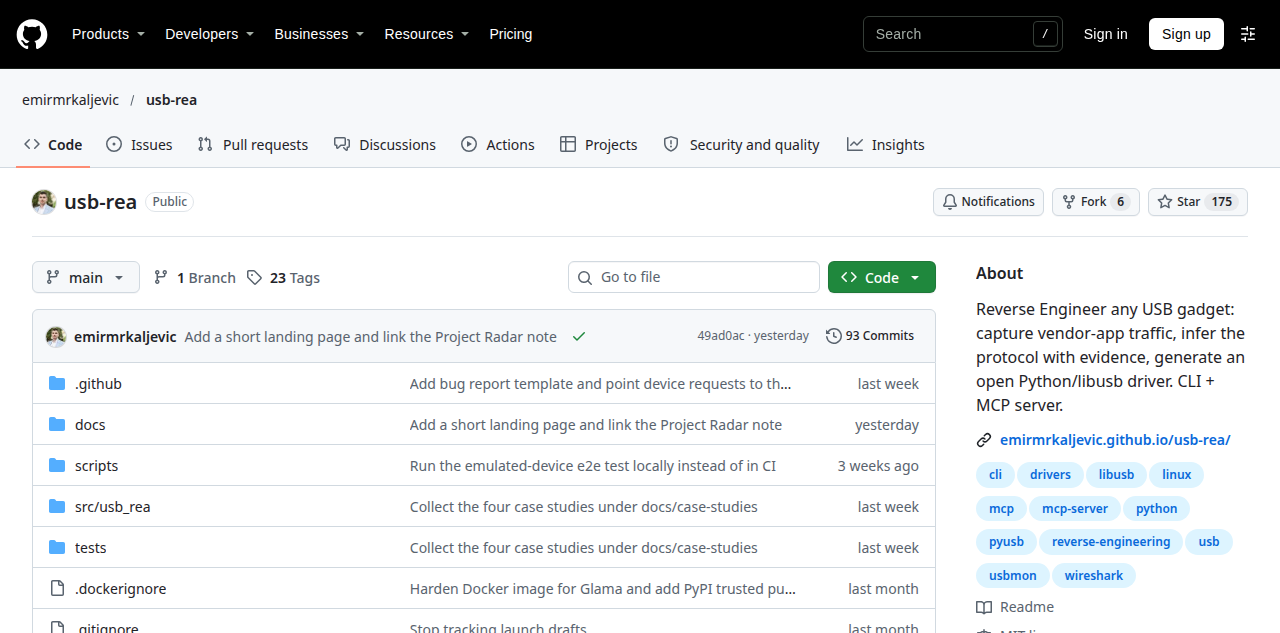
usb-rea does exactly the step after Wireshark: it reads the capture, infers the command structure and writes you a report and a working pyusb driver.
What it actually does
- Captures traffic with usbmon (Linux) or USBPcap (Windows) while you click things in the vendor app.
- You mark what you're doing (
brightness 0%,mode turbo) and it labels the packets with that. - Infers constants, counters, value fields, lookup tables and checksums (CRC16, sum8, xor8...).
- Writes
report.mdwith every claim linked to the Wireshark frame number, a standalonepyusbdriver and even a Wireshark Lua dissector. - It also runs as an MCP server, so an agent can drive it.
What stands out isn't the generated code, it's that the report is verifiable: if it says byte 6 is a CRC16 Modbus, it shows you the frame where that's visible.
Install
The README says pip install, but I use uv for everything:
uv tool install usb-rea
usb-rea --version
Try it without hardware
There's a demo mode that builds a synthetic capture and runs the whole pipeline. It's the best way to see whether it fits before fighting with usbmon:
usb-rea demo --device fan
The output (abridged) is this:
mode         100%  0x5a | counter (+1 per message) | 0x30 | lookup 1→0x11, 2→0x22, 3→0x47 | 0x00 | 0x00 | u16le crc16_modbus(bytes[0:6])
fan          100%  0x5a | counter (+1 per message) | 0x10 | u16be round(value * 1 + 0) | 0x00 | u16le crc16_modbus(bytes[0:6])
color        100%  0x5a | counter (+1 per message) | 0x20 | RGB bytes | u16le crc16_modbus(bytes[0:6])
  color only sent while mode 3: the driver sets it first

handshake (3 messages sent once when the app opens the device):
  1. 5a 00 01 00 00 00 0d 1d -> a5 01 ?? ?? ?? ?? ??
  2. 5a 00 02 38 b4 e6 52 1e 1e -> a5 02 ?? ??
  3. 5a 00 03 01 00 00 5d 65 -> a5 03 01 ??

device replies:
poll 1       7/7  0xa5 | = query byte 2 (0x40) | u16le rpm = raw, seen 800..4011 | u8 temp = raw, seen 35..38 | mode: 0x11 = silent, 0x22 = balanced, 0x47 = turbo
Notice the detail: "color only sent while mode 3: the driver sets it first". That isn't in any byte, it's an ordering dependency between commands inferred from the capture. And in the handshake it detects that byte 2 of the reply branches what the app sends next.
Three files come out of that: report.md, fan_driver.py and fan.lua.
The real flow with a device
First, check whether someone already documented that VID:PID. It saves the whole afternoon:
usb-rea lookup 1e71:170e
1e71:170e  NZXT Kraken X (X42, X52, X62 or X72) (NZXT)
  protocol: documented
  - liquidctl: https://github.com/liquidctl/liquidctl/blob/main/liquidctl/driver/kraken2.py (fan/pump duty, lighting, status)
  - OpenRGB: https://github.com/CalcProgrammer1/OpenRGB/blob/master/Controllers/NZXTKrakenController/NZXTKrakenControllerDetect.cpp (RGB lighting)
  note: A matching USB ID alone does not prove your unit speaks the same protocol; check the project's notes.
If it's not in the table, you capture (usbmon needs the module loaded and root):
sudo modprobe usbmon
usb-rea capture start -o lamp.pcapng
usb-rea mark -m lamp.pcapng.actions.json "brightness 0%"
# now set the app to 0%
usb-rea mark -m lamp.pcapng.actions.json "brightness 50%"
usb-rea mark -m lamp.pcapng.actions.json "brightness 100%"
usb-rea capture stop
usb-rea report lamp.pcapng -o report.md
usb-rea scaffold lamp.pcapng -o lamp_driver.py
Three values minimum per setting, otherwise it can't tell a linear field from a constant. If you capture on Windows with USBPcap there are no markers: you pass the action list in order and it splits the traffic at the pauses.
Limitations that matter
- It's alpha (v0.7.14). Linear fits must survive leave-one-out validation; if they don't, it falls back to a lookup table and says so.
- Lookup tables only cover the values you captured. If the RGB has 16 modes and you captured 3, you get 3.
- A matching VID:PID doesn't imply the same protocol (firmware revisions change bytes).
- Sending packets to real hardware is on you:
replayexists but asks for--yes.
The project is validated against protocols already documented by liquidctl and rivalcfg (it recovers the Kraken X fan command byte for byte) and against public Wireshark captures. The author asks for captures of new devices in a repo discussion.
When does it make sense?
The typical case: cheap device, ugly Windows app, zero docs and a wish to use it on Linux without a VM with passthrough. The usual outcome there is leaving it unused, because the alternative (writing the driver by hand after hours of staring at hex in Wireshark) is too expensive. This gets you the protocol, and with a bit of vibe coding you have the device working in a while.
If udev gives you trouble afterwards, remember hidraw devices on Linux need permission rules, as I wrote in configuring udev permissions for Vial.
Source: usb-rea on GitHub and CNX Software