From OpenCode in the terminal to OpenCode Desktop (on Linux)
Posted on Sun, 25 Oct 2026 in Herramientas
I've been using OpenCode inside the terminal for a long time. After pi, it's the second agent I use the most, and until now I never felt the need to leave the TUI. These past few weeks I've been trying the desktop app on my personal Linux machine. At work, I've also switched to Claude Desktop on Mac.
My stack right now is three agents: pi, OpenCode (with OpenCode Go tokens) and Claude.
Three agents, three interfaces
| Agent | Interface | Models | What I use it for |
|---|---|---|---|
| pi | Terminal | OpenCode Go via provider | Personal work, long sessions, my own extensions |
| OpenCode | Terminal + desktop | OpenCode Go ($10/month) | Blog projects, scripts and diff review |
| Claude | Claude Desktop (Mac, work) | Claude subscription | Work stuff and tasks where I want Opus or Sonnet |
The three coexist without stepping on each other because each one has its own config and credentials. The change is that I no longer open OpenCode only with opencode: more and more often I start the app.
What changes when you open the app
OpenCode isn't a binary with a window glued on top. It has worked as a client/server system for a while now: a background server owns sessions, configuration and providers, and the TUI, the web UI and the desktop app are clients talking to it.
That's the important part for my case: the app is not a different product. It's the same OpenCode with another face. When I open it I get the same sessions, the same AGENTS.md, the same providers and the same OpenCode Go subscription, with no extra login and no duplicated config.
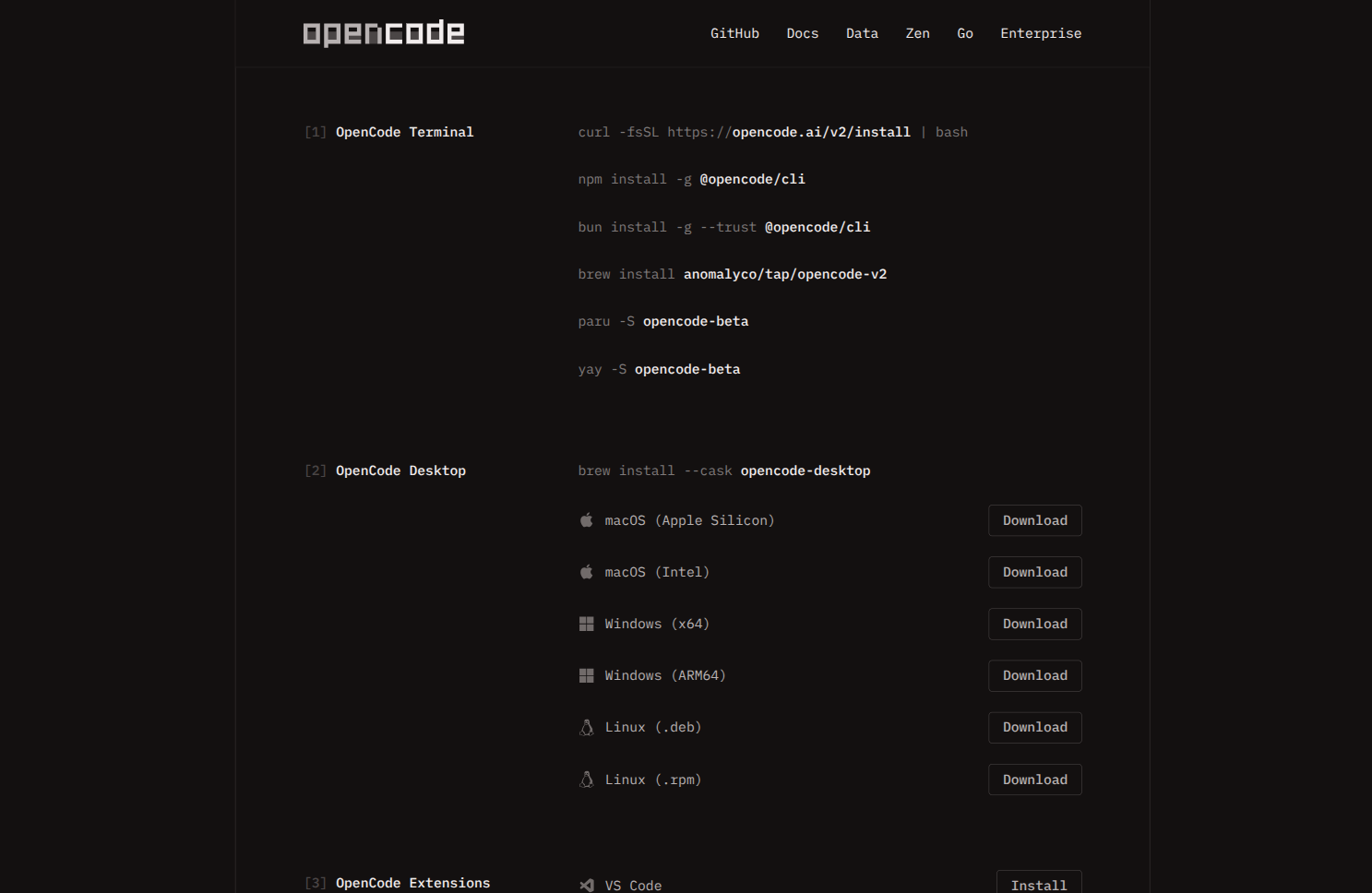
The download lives at opencode.ai/download, with builds for macOS (Apple Silicon and Intel), Windows (x64 and ARM64) and Linux as .deb and .rpm. On macOS you can also install it with Homebrew:
brew install --cask opencode-desktop
On Linux, with the downloaded package:
sudo dpkg -i opencode-desktop_*.deb
Or with rpm if you're on Fedora or similar. The project ships builds often, so check the download page before installing an old version from a mirror.
What I like
If I had to keep just two things, I'd keep the integrated browser and the integrated diffs. Those are the two reasons the app has grown on me.
- Integrated diffs. Seeing the whole change and leaving a note on a specific line beats reading
git diffin the terminal. This is what I use the most. - Integrated browser. I can open the project site, the docs or the dev server in a panel inside the app, without jumping to a browser and losing the thread of the session.
- Tabs and sessions per project. I can have one session for this blog, another for a Python script and another for a work repo in the same window, without five terminals.
- Integrated terminal. To start the dev server or run tests without switching windows.
- MCP forms. When an MCP server asks for input in the middle of a tool call, the app shows the form instead of leaving the call waiting.
- Notifications. I can leave a session running and know when it's done.
What I still do in the TUI
I haven't abandoned the terminal, and I don't think I will.
- Starting up and working with the keyboard is still faster. The TUI has no window latency and no extra clicks.
- For scripts and CI,
opencode runis the only sensible path. The app doesn't replace that. - Over remote SSH the terminal wins hands down. The app is meant for your own machine.
- Worktrees and parallel branch work are still more comfortable from the CLI.
My actual usage has settled like this: TUI to write code, desktop to review, compare and juggle several sessions.
Verdict
OpenCode Desktop hasn't made me change tools, it made me change windows. I still use the TUI for fine-grained work and the app to review and coordinate sessions, which is exactly where a GUI adds something. And since it shares server, config and providers with the terminal version, trying it costs nothing: if I don't like it, I close the window and carry on where I was.
At work I use Claude Desktop on Mac, not on Linux, and I like it too: the Code tab brings Claude Code with parallel sessions, worktrees and commented diffs, and it feels more polished. But it's tied to Claude models and a paid plan (Pro, Max, Team or Enterprise), while OpenCode gives me the same kind of work with whichever model catalog I choose. Today that still weighs more.
Original source: OpenCode — Download.