The Pi Extensions I Use Daily
Posted on Thu, 21 May 2026 in ia
Third and final part of the series on pi. In the first part I explained what pi is and compared it to other agents. In the second I wrote a complete usage guide. Now it's time for what really sets pi apart from everything else: the extensions.
I have over 20 packages installed, skills from various repositories, and my own extensions in pcaropi. Here's a breakdown of what I actually use day to day.
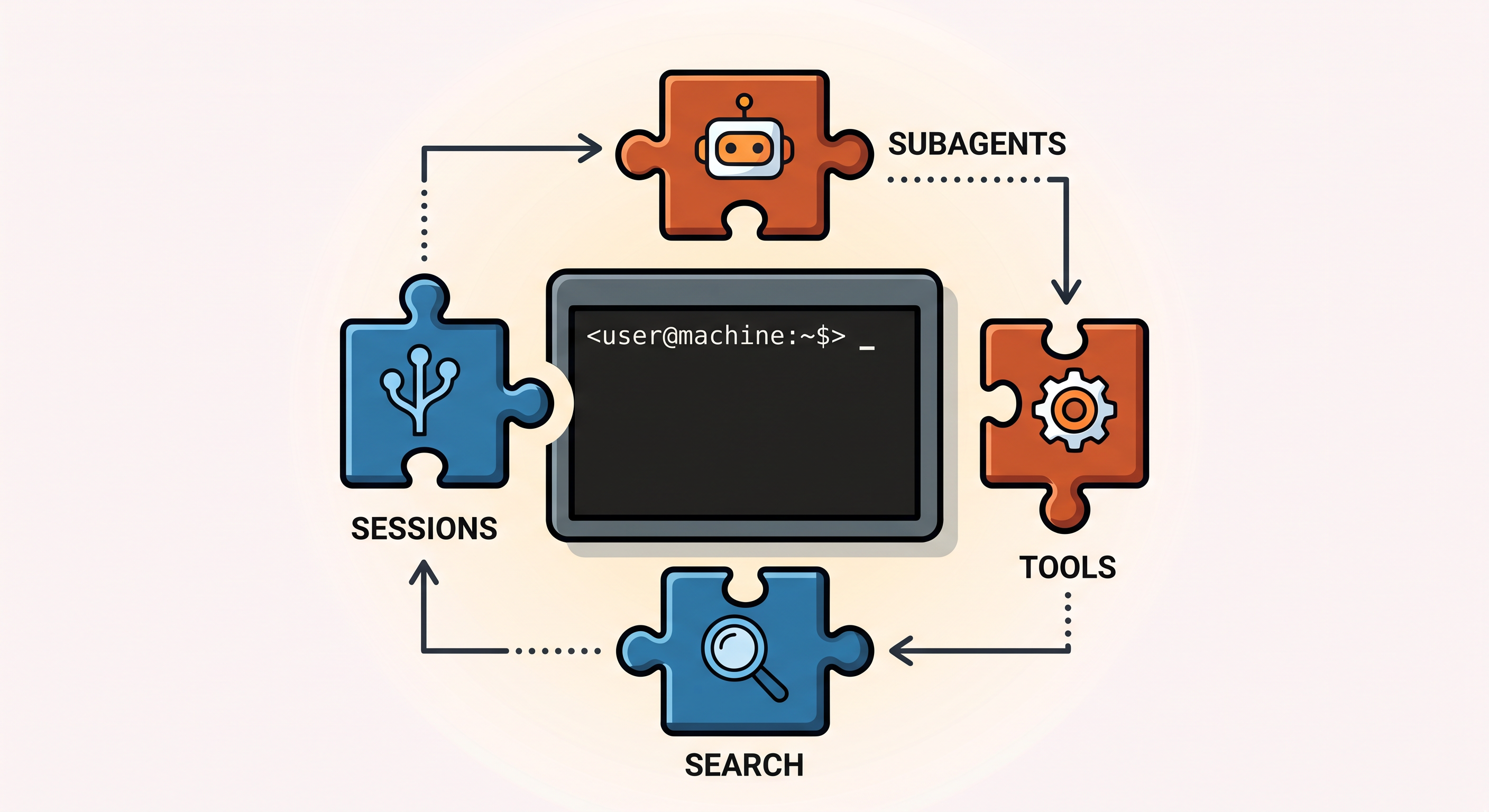
Subagents — pi-subagents
NicoBailon's pi-subagents is the extension I use the most. It's a complete subagent orchestrator with three modes: single, chain, and parallel.
pi install npm:pi-subagents
It comes with 8 built-in agents (scout, researcher, planner, worker, reviewer…) and a preview TUI where you can edit steps before launching them. The cascading model fallback is very useful: if a model fails on quota, it automatically tries the next one.
I already compared this extension with other alternatives (TintinWeb and Taskplane), but NicoBailon is my daily driver without a doubt.
System utilities
pi-processes
pi install npm:@aliou/pi-processes
Manages background processes: dev servers, test watchers, logs. The agent can start npm run dev in the background, keep working, and receive an alert if the process fails. Essential for any development workflow.
pi-inspect
pi install npm:pi-inspect
Debug console for pi. Shows internal state, registered tools, and events being fired. Useful when developing your own extensions or when something isn't working as expected.
pi-slim
pi install npm:pi-slim
Reduces the system prompt size by removing descriptions the model doesn't need. Every token counts, and this extension silently trims the superfluous.
Session management
pi-smart-sessions (HazAT)
pi install git:github.com/HazAT/pi-smart-sessions
Adds intelligent session management: automatic compaction, smart naming, and abandoned branch summaries. Makes working with long sessions much more bearable.
pi-slopchop
pi install npm:pi-slopchop
Aggressive context compression. Reduces token usage by up to 98% by compressing old messages without losing critical information. When you work with multi-day sessions, this is a lifesaver.
pi-add-dir (itisbryan)
pi install https://github.com/itisbryan/pi-add-dir
Adds an external directory to the session so the agent can work with files outside the current directory. Essential when you need to touch code across multiple repositories.
Web search and browsing
@aliou/pi-linkup
pi install npm:@aliou/pi-linkup
Three web search tools: linkup_web_search for source discovery, linkup_web_answer for synthesized answers with citations, and linkup_web_fetch for extracting content from specific URLs. I use it constantly to consult documentation, research APIs, or verify information during a coding session.
agent-browser skill
Installed as a skill from the Vercel Labs repository. Allows the agent to browse web pages like a human: click, fill forms, take screenshots. I already wrote about it.
chrome-cdp skill
pi install git:github.com/pasky/chrome-cdp-skill@v1.0.1
Alternative to agent-browser using Chrome DevTools Protocol directly. Lighter and with more granular browser control.
Productivity and UI
pi-powerline-footer
pi install npm:pi-powerline-footer
Customizes the pi status bar with additional information: CI status, git branch, session time. I have it configured with custom items:
{
  "powerline": {
    "preset": "default",
    "customItems": [
      { "id": "ci", "statusKey": "ci", "position": "right", "color": "success" }
    ]
  }
}
@tmustier/pi-code-actions
pi install npm:@tmustier/pi-code-actions
Adds quick code actions: format file, organize imports, run linter. The agent can trigger these without having to write Bash commands manually.
@aliou/pi-guardrails
pi install npm:@aliou/pi-guardrails
Safety guardrails: blocks dangerous commands (rm -rf, sudo), protects sensitive files (.env, node_modules/), and confirms before destructive operations. Peace of mind when the agent works autonomously.
pi-ask-user and pi-schedule-prompt
pi install npm:pi-ask-user
pi install npm:pi-schedule-prompt
pi-ask-user allows the agent to ask the user questions with structured options. pi-schedule-prompt schedules periodic executions (hourly, daily) for maintenance tasks.
pi-interactive-shell
pi install npm:pi-interactive-shell
Launches interactive CLI agents (Claude Code, Cursor, Gemini CLI) from inside pi. Dispatch, hands-free, and monitor modes. Useful for delegating specific tasks to other agents without leaving pi.
Skills I use every day
From the official pi repository
- commit: Mission critical. Every commit I make goes through this skill, which generates descriptive, well-structured messages. Always active.
- brainstorm: For structured design sessions. Follows a complete chain: investigate → clarify → explore → validate design → write plan → create TODOs.
- learn-codebase: When entering a new project, this skill scans conventions, agent config files, and potential security issues.
- uv, ruff, ty: The Python trio.
uvfor package management,rufffor linting+formatting,tyfor type checking. Fast, modern, frictionless. - github: Interact with issues, PRs, CI runs, and advanced GitHub API queries, all from
gh. - frontend-design: For when I build interfaces. Generates components with high design quality.
From my pcaropi repository
All my custom extensions and skills are in github.com/pcaro/pcaropi:
Extensions
answer.ts— Interactive Q&A. Extracts questions from assistant messages and answers them one by one (/answerorCtrl+.).context.ts— Context usage visualization (tokens, cost, loaded files/skills) via/context.files.ts— Interactive file browser (/filesorCtrl+Shift+o) with git status and quick look.notify.ts— Desktop notifications (Linux/notify-send) when the agent completes a turn.session-breakdown.ts— Session history visualized over 7/30/90 days (/session-breakdown).todos.ts— Markdown-based TODO manager with TUI, file locking, and task assignment (/todos).uv.ts— Intercepts Python commands (pip,poetry) and suggests usinguvinstead.
Skills
cli-tools— Documents CLI tools available on my system (jq, fx, gh, httpie, etc.)google-workspace— Access Google APIs (Drive, Docs, Calendar, Gmail) without MCP.summarize— Converts URLs or local files to Markdown usinguvx markitdown.update-changelog— Skill for keeping the repository changelog up to date.web-browser— Web page interaction via Chrome DevTools Protocol.linkedin-post-formatter— Formats LinkedIn posts with Unicode bold/italic.
Prompt templates
pr-create.md— Template for creating PRs with consistent structure.pr-fix-checks.md— For fixing failed checks on PRs.review.md— Template for structured code reviews.
MCP
pi-mcp-adapter (NicoBailon)
pi install git:github.com/nicobailon/pi-mcp-adapter
Adapter for connecting standard MCP servers. Pi doesn't come with native MCP (by design), but with this adapter you can use any MCP server in the ecosystem.