Stern: Kubernetes Logs on Steroids
Posted on Fri, 20 Feb 2026 in Infraestructura
If you work with Kubernetes, you've probably suffered through the kubectl logs command. It's useful for viewing the logs of a specific pod, but it falls short when you have multiple replicas of a service or when pods restart and change names.
This is where Stern comes in.
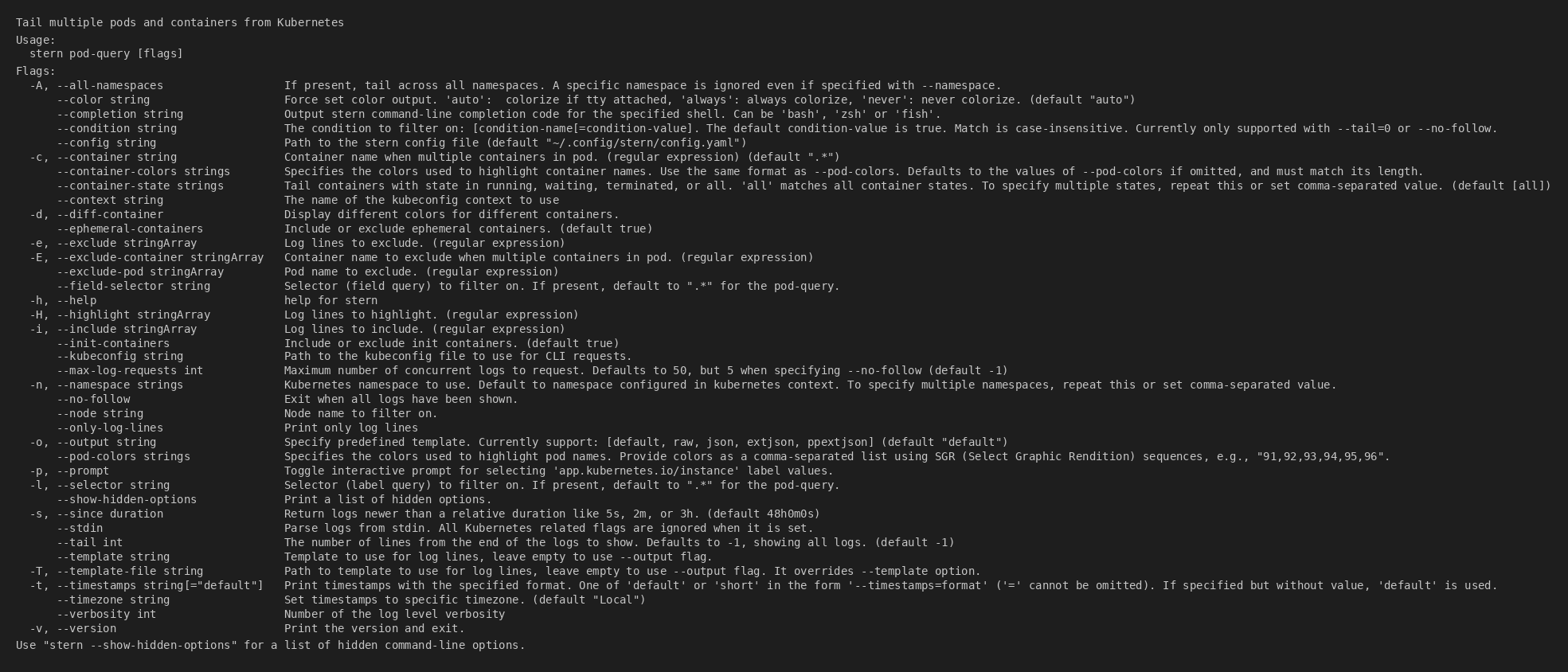
Stern allows you to "tail" logs from multiple pods and containers within Kubernetes simultaneously. Best of all, it uses regular expressions to select pods, so you don't need to copy and paste those random IDs (pod-1234567890-abcde).
Installation
Stern is very popular and available in most package managers.### Using Krew (recommended)
If you already use kubectl, Krew is the most natural way to install plugins:
kubectl krew install stern
Using Homebrew
brew install stern
Direct Binary
You can also download the binary directly from their GitHub releases.
If you use a helper like gah (GitHub Asset Helper) or custom scripts, installation is as simple as:
gah install stern/stern
Key Features
1. Multi-pod Tailing
Instead of searching for the exact pod name, you can use a regex:
stern backend
This will show logs from all pods containing "backend" in their name (backend-api, backend-worker, etc.), interleaved and colored to easily distinguish them.
2. Filtering and Exclusion
You can filter log content on the fly without needing grep:
# Only show lines containing "Error"
stern backend -i Error

# Exclude lines containing "Health check"
stern backend -e "Health check"
3. Kubernetes Selectors
In addition to regex by name, you can use label selectors, which is much more precise for production environments:
stern -l app=my-app -l tier=frontend
4. Output Formatting
If your logs are in JSON (as is best practice), Stern can pass them through as is so you can process them with tools like jq or fx:
stern backend -o raw | fx
Conclusion
Stern is one of those tools you install on day one and wonder how you ever lived without it. It makes debugging in distributed environments much less painful by aggregating information coherently.
Give it a try and your debugging sessions will thank you.