Rendering Markdown in the terminal with Glow
Posted on Fri, 20 Feb 2026 in Linux
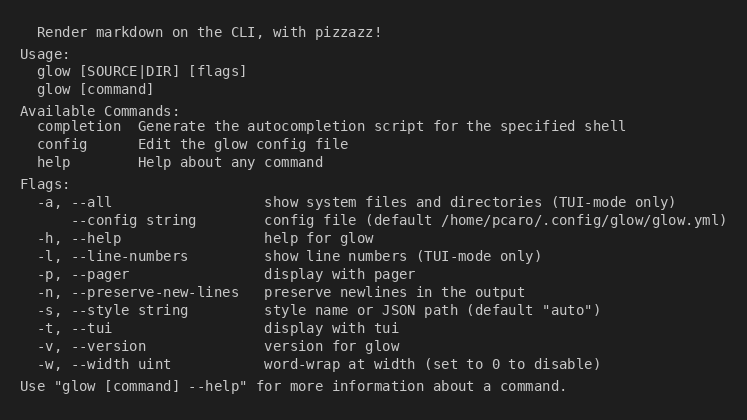
Glow is a command-line Markdown renderer. It allows you to read local or remote Markdown files, rendering them with syntax highlighting and styles, directly in your terminal.
I find this tool especially useful now that I spend more time using the terminal with Kitty, as it allows me to consult documentation and READMEs without having to open a browser or a graphical editor.
Installation
To install Glow, we will use gah, a tool that simplifies installing binaries from GitHub Releases.```bash gah install charmbracelet/glow
The installation process is very simple:

```text
$ gah install charmbracelet/glow
Fetching release info for: charmbracelet/glow [latest]
Found release: v2.1.1
Downloading: glow_2.1.1_Linux_x86_64.tar.gz
############################################################################################################################################################################### 100.0%
GitHub Release did not provide digest for glow_2.1.1_Linux_x86_64.tar.gz. Skipping verification.
Extracting: glow_2.1.1_Linux_x86_64.tar.gz
Installing: glow
Give a new name or keep 'glow'? (Leave empty to keep the same)
New name:
Installed: glow
Done!
Once installed, simply run glow followed by the file you want to view, or even the URL of a README on GitHub.