Double-sided scanning with the Brother DCP-L3560CDW
Posted on Sun, 03 May 2026 in Infraestructura
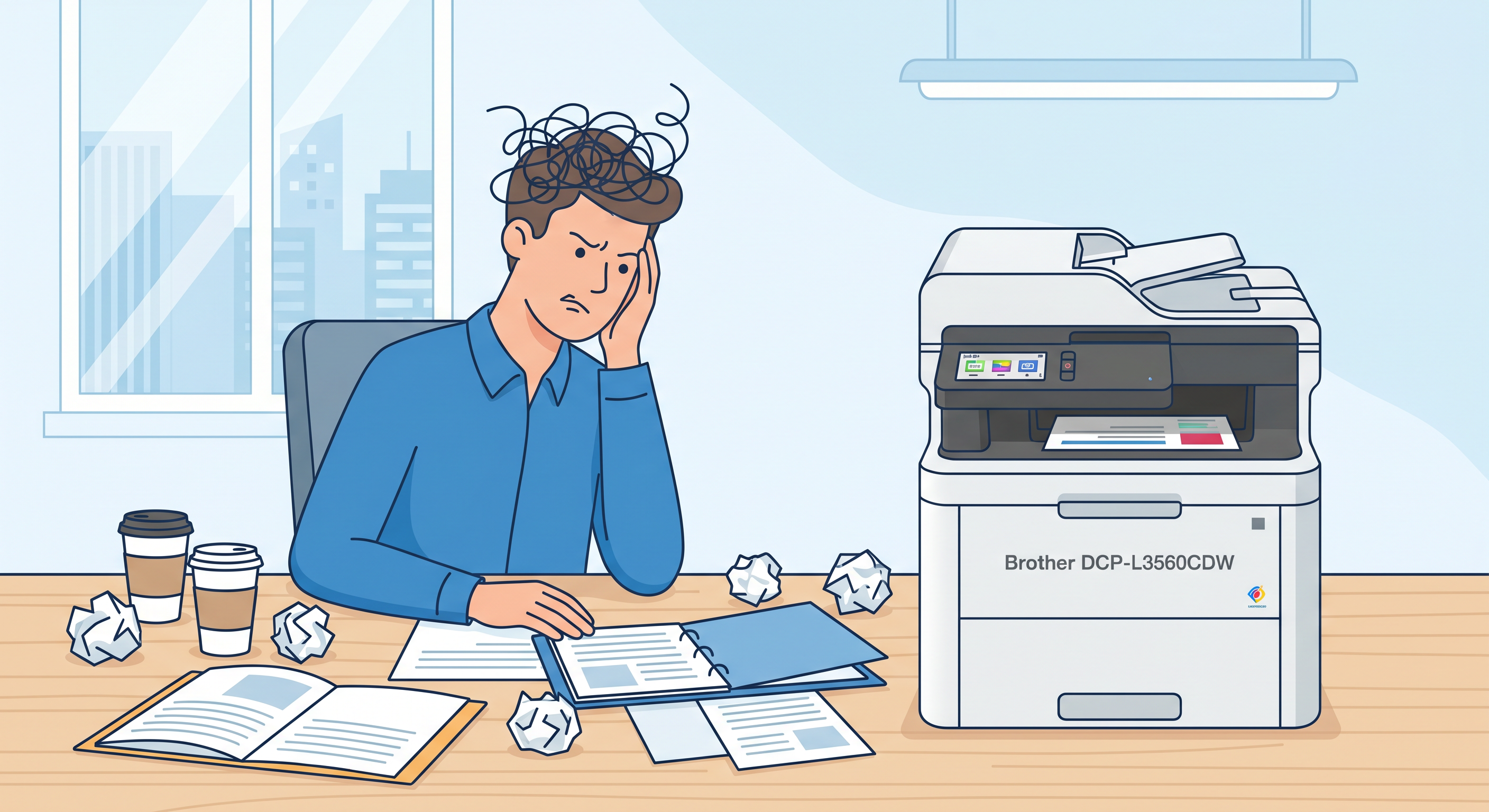
My new Brother DCP-L3560CDW multifunction printer doesn't scan both sides from the document feeder. The ADF is simplex-only, even though the printer does support duplex printing.
For single-sided documents, the workflow is seamless: I load the pages into the feeder, press Scan on the 3.7-inch touchscreen, and the document lands directly in Paperless's Samba share. No PC needed.
The issue comes with double-sided documents. Here's the workaround I use:
- Scan all odd pages through the feeder
- Flip the stack, place the last page facing up, and scan the even pages
- In Document Scanner (simple-scan): hamburger menu → Reorder pages → Combine sides (reverse)
- Save the PDF
- Move it to the network folder for Paperless to ingest
I checked KDE alternatives (Skanpage, Skanlite) but none have the manual interleave feature that Document Scanner offers. Skanlite can't even combine multiple pages into a single PDF.
I'll keep looking for a more direct approach. For now, this workflow does the job.