marksman: Markdown LSP
Posted on Wed, 29 Apr 2026 in Herramientas
I write a lot in Markdown — this blog, notes, documentation — and until now I managed just fine. But after getting used to the benefits of LSP in code, I started missing something similar for my .md files. Broken links, references to non-existent notes, lack of autocompletion across documents... it all adds up when you maintain multiple files.
So I installed marksman, a language server dedicated exclusively to Markdown.
What is marksman?
marksman is a language server protocol (LSP) implementation that understands the structure of your Markdown documents. It doesn't just highlight syntax: it analyzes internal links, cross-file references, headings, tables of contents, and much more.
Some of the features it provides:
- Autocompletion of internal links between Markdown files.
- Go to definition (F12) to jump to the referenced section or file.
- Rename symbol: change a heading and update all links pointing to it.
- Error detection: warns about broken links or non-existent references.
- Hover information to preview linked content.
- Find references to see where a heading or file is used.
Basically, it turns a collection of Markdown files into something resembling a code project, with all the navigation and refactoring benefits that entails.
Installation
I installed it with gah (GitHub Asset Helper), a tool I regularly use to download binaries from GitHub releases:
gah install artempyanykh/marksman
I selected the marksman-linux-x64 version and within seconds the binary was available in my PATH.
It can also be installed via Homebrew, Snap, or by downloading the binary directly from the project releases.
Configuration in fresh
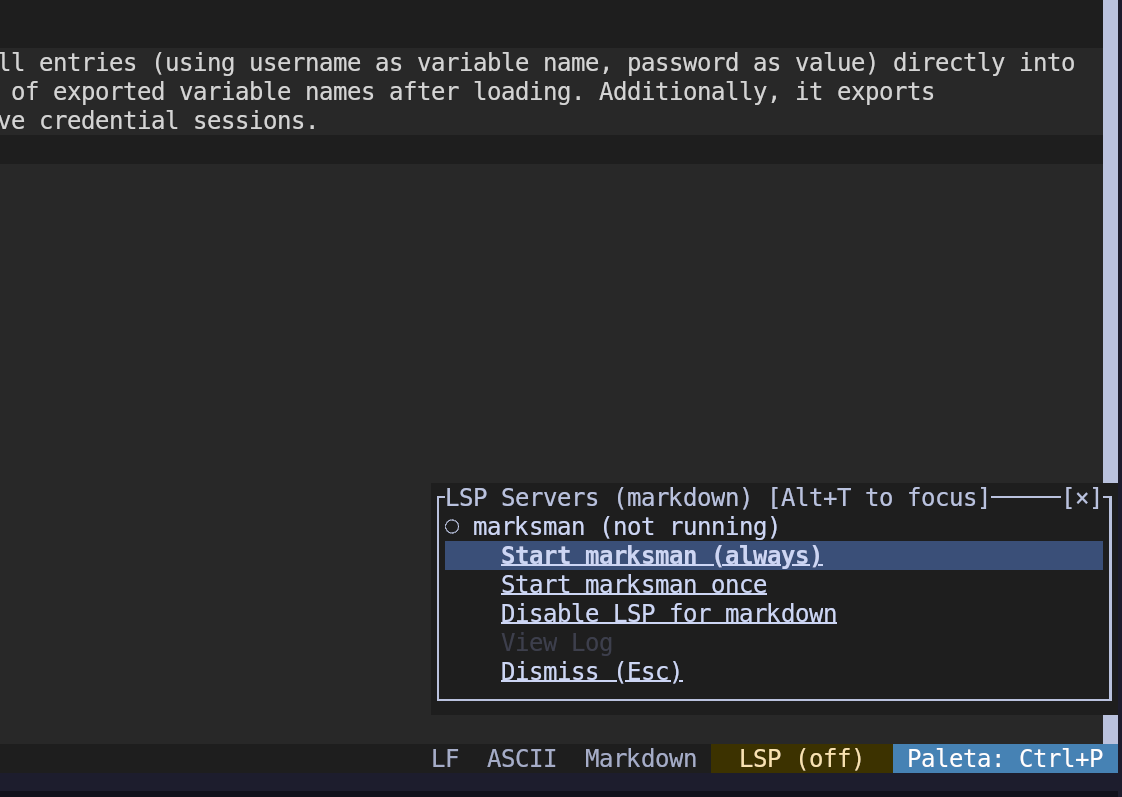
I use it alongside fresh, my preferred terminal editor. fresh has native LSP support, so I only needed to make sure marksman is in my PATH. When opening a Markdown file, fresh automatically detects the server and offers to start it:
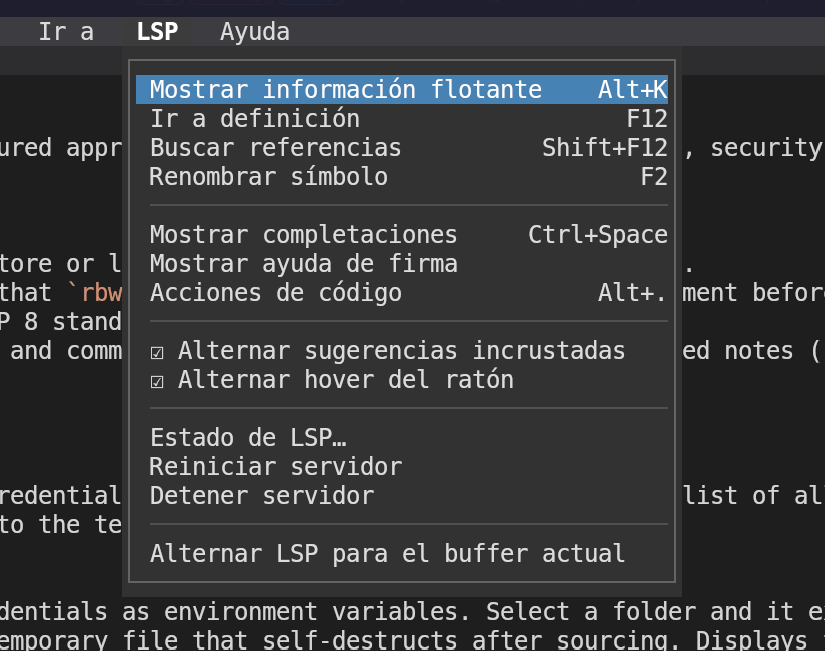
Once running, fresh's LSP menu shows all available options:
Why it works for me
I don't need a heavy graphical editor to write Markdown comfortably. With marksman + fresh I get link autocompletion, quick navigation between notes, and error detection without leaving the terminal. It's especially useful for this blog, where dozens of articles reference each other.
If you work regularly with Markdown and use an editor with LSP support, marksman is one of those tools that, once installed, makes you wonder how you ever lived without it.
Official repository: marksman on GitHub