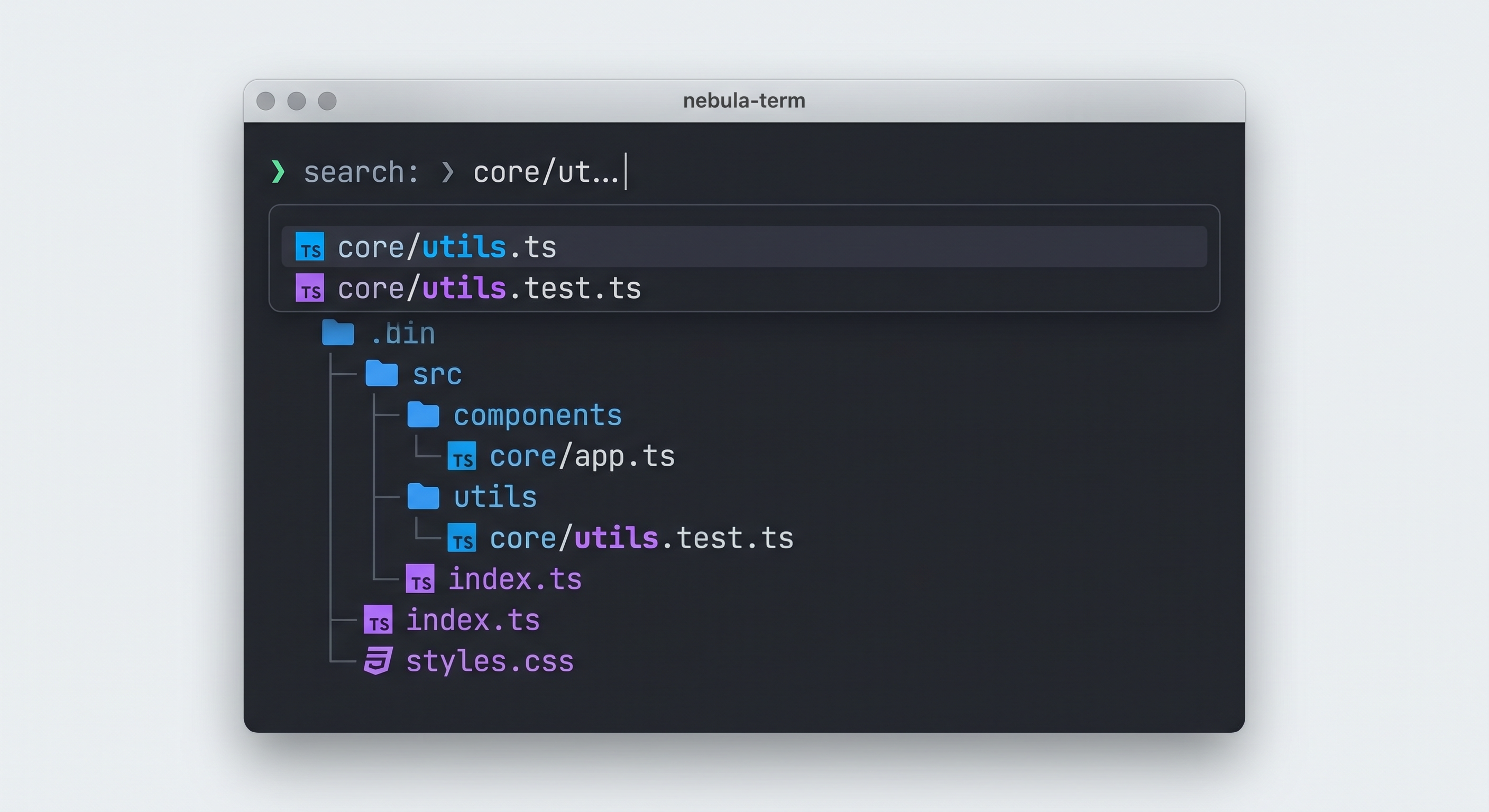
broot, a different way to navigate your directories
Posted on Fri, 02 Jan 2026 in Herramientas
I've been looking for a replacement for ls and tree that would let me navigate large directories without losing context. broot is the tool I needed.
Installation
# With cargo (Rust)
cargo install broot

# Or with your package manager
brew install broot  # macOS
apt install broot   # Debian/Ubuntu
Getting started
The basic command is simply br (you can create an alias to replace cd):
br
This opens an interactive tree view of the current directory. Main keys:
↓/↑- Navigate between files and directories/- Fuzzy search (e.g.,/configfinds all files with "config" in the name)Enter- Enter a directoryalt + Enter-cdto the selected directory and exit broot:e- Open the selected file with your$EDITOR:q- Quit
Features I use
Search without losing context
Unlike find, broot shows where each result is located within the directory tree:
br
/pytest  # Finds all files/directories with "pytest"
This is useful when you know a filename but don't remember which folder it's in.
Multiple panels
You can split the view to compare or move files between directories:
:pp  # Create right panel
:pc  # Create bottom panel
:pt  # Swap panels
In each panel you can navigate independently and use verbs like :copy or :move.
File preview
Select a file and use :preview to see its content without leaving broot. For images in terminals that support it (kitty, iterm2):
:preview
Show only relevant files
broot automatically hides Git-ignored files and common directories like node_modules. To see them:
:show_git_ignored
Custom verbs
In ~/.config/broot/conf.toml you can add custom commands:
[[verbs]]
name = "edit"
invocation = "e"
execution = "$EDITOR {file}"

[[verbs]]
name = "git status"
invocation = "gs"
execution = "git status"
Shell integration
To use br as a cd replacement, add this to your .bashrc or .zshrc:
# This allows br to change the parent shell's directory
source /usr/share/broot/launcher/bash/br
Now br directory leaves you in that directory when you exit.
When to use broot
- Navigating large projects with many folders
- Finding files when you don't remember the exact path
- Moving/copying files between distant directories
- Exploring directories with many Git-ignored files
Links
Original source: broot documentation