ku: navigate Kubernetes from the terminal like a pro
Posted on Mon, 03 Aug 2026 in Tools
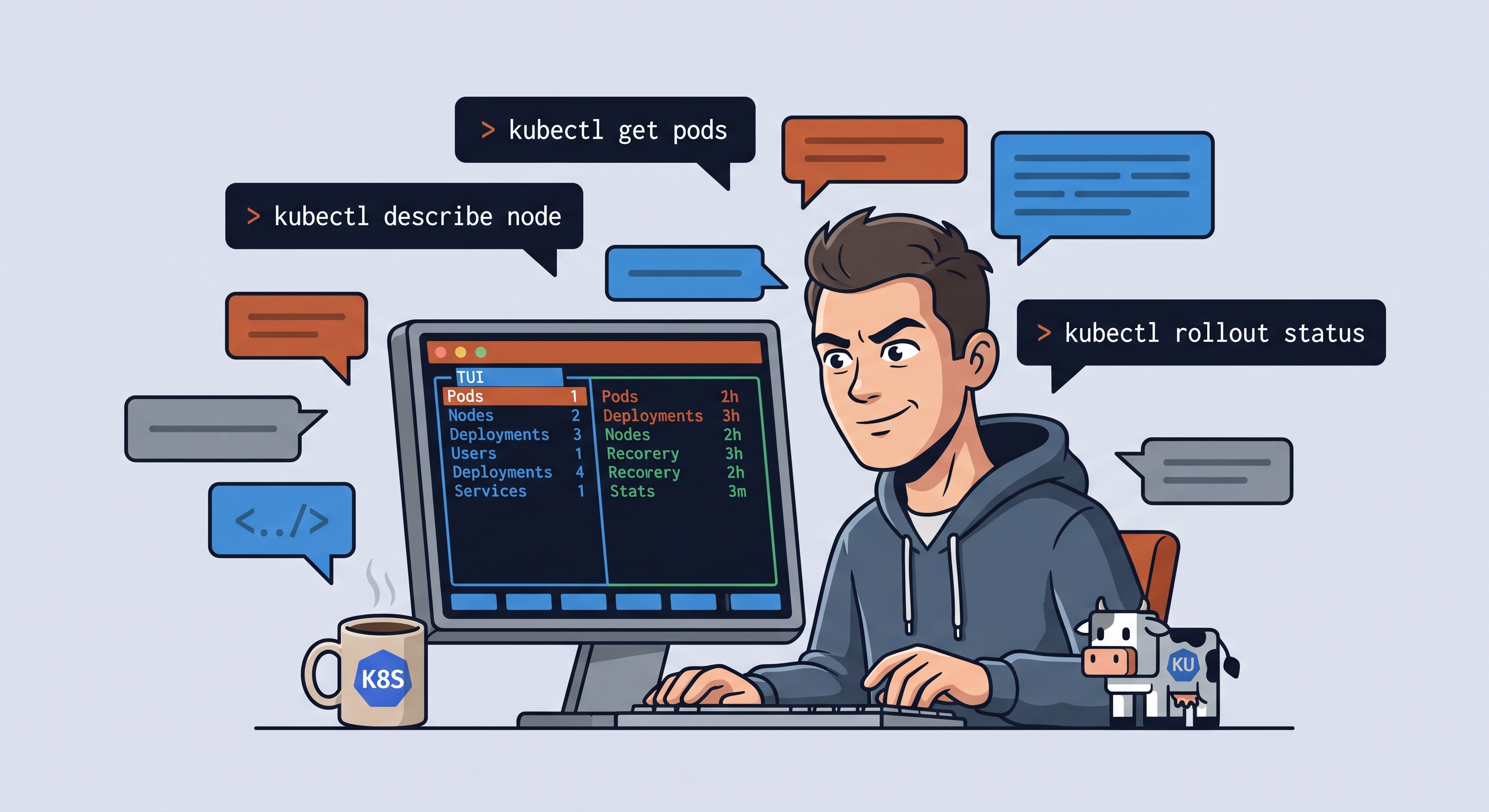
I'm back working with Kubernetes. I have a locally deployed microsite architecture — several namespaces, deployments, services, ingresses — and needed a fast way to navigate everything without constantly running kubectl get and kubectl describe by hand. kubectl muscle memory is fine, but to move through a cluster fluently you need to see the whole picture.
I went to GitHub and found ku, a Kubernetes TUI by a Norwegian developer. It's fast, keyboard-only, and clearly inspired by k9s, Lens, and lazygit. I liked it from the first ku.
Installation
curl -fsSL https://raw.githubusercontent.com/bjarneo/ku/main/install.sh | sh
Or with Go:
go install github.com/bjarneo/ku@latest
What sold me
-
Read-only by default. You start up and can't break anything. To edit, delete, or scale you have to enable edit mode with
Shift+E. The header shows a green● READ-ONLYor red● EDITchip so you always know what mode you're in. For those of us with butterfingers, this is peace of mind. -
Cockpit on launch. A cluster overview: server version, node status, live CPU and memory gauges, pods by phase, ready deployments, and recent warnings (deduplicated, with recurrence count). Auto-refreshes every few seconds.
-
Tables with the right columns. Uses the same
TableAPI representation askubectl get, so columns are exactly what you expect for every resource. CRDs work too. Cells have semantic coloring: green for healthy, yellow for transient, red for broken. The sorted column shows its direction. -
lazygit-style layout: left panel with resource navigation,
Tabto switch panes, bottom status bar showing only the keys relevant to your current selection. -
Curated summaries.
Enteron an object opens a type-specific summary: pods show live usage, health, requests/limits; services, ingresses, configmaps, and secrets get purpose-built views.doryopens the full YAML with syntax highlighting. -
Logs with follow.
lon a pod streams logs. Filter with regex, copy lines, switch between current and previous instance, and toggle auto-scroll. All inside the TUI. -
Shell into pods and nodes.
son a pod opens an interactive shell (bashorsh) in an overlay with a virtual terminal. On a node, it spins up a privileged debug pod withchroot /host.Ctrl+\detaches. -
Service port-forwarding.
pon a Service and pick the port. Map8080:httpor18080:80. Active forwards show in the header and you manage them from the command palette. -
Equivalent
kubectlcommand.Cshows thekubectlcommand that replicates the current view. Great for learning or copying to a script. -
Built-in Kubernetes docs.
Oopens the upstream docs for the selected resource in your browser. -
Customizable sidebar.
ku config initgenerates~/.config/ku/config.yamlwhere you can add CRDs to the sidebar. Supports group-qualified resources (scaledobjects.keda.sh,certificates.cert-manager.io). -
Developer mode.
ku --devhides cluster admin resources (nodes, PVs, namespaces, events) and disables node operations. For when you only manage your own apps. -
Remembers context and namespace. Persists them in
~/.config/ku/state.jsonbetween sessions.
What's missing (for now)
- No dependency graph or topology view.
- Port-forward is Services only, not individual pods.
- No Helm integration.
It's a young project (~500 stars, ~100 commits) but very well thought out. Using it feels like a tool that understands how you work with Kubernetes and removes friction at every step. For my current setup — a microsite architecture with multiple namespaces — it lets me jump between resources, follow logs, and check cluster health without leaving the terminal.
Original source: github.com/bjarneo/ku