Winhance: clean and optimize Windows without reinstalling
Posted on Tue, 05 May 2026 in Herramientas
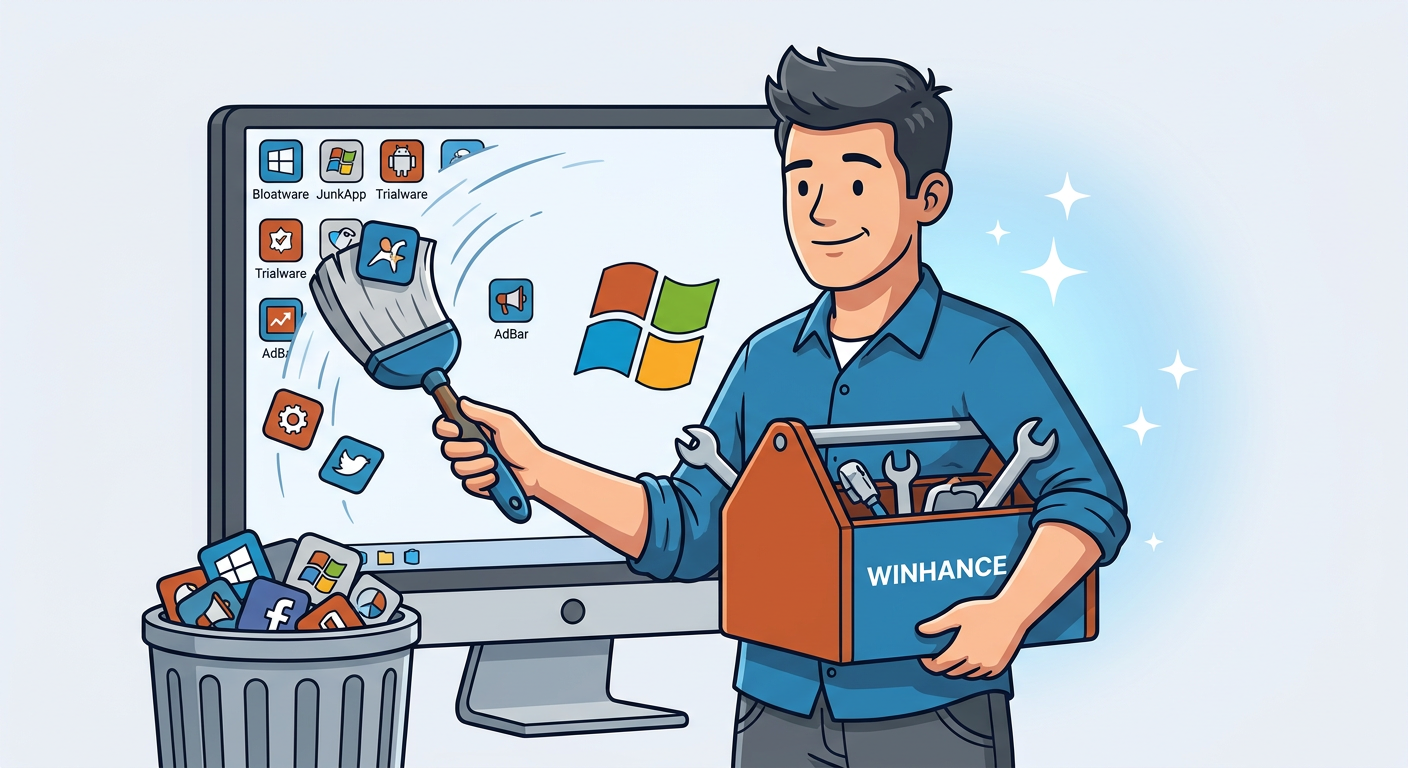
I've been using Linux as my primary OS for years. I have two Windows machines at home: my daughter's laptop and a small Mele PC I use to connect to the telescope. I'm not used to dealing with the Windows ecosystem, so whenever I need to reinstall or clean one of these machines I end up looking for utilities that do the work for me.
Winhance is exactly that: a C# tool with nearly 10,000 GitHub stars that lets you debloat, optimize, and customize Windows 10 and 11 without a clean install. It essentially does the same thing as UnattendedWinstall but without needing to start from scratch.
Installation is ridiculously simple from PowerShell:
irm "https://get.winhance.net" | iex
There's also a downloadable installer from winhance.net or GitHub Releases, with both normal and portable install options.
What I liked:
-
Software & Apps: an interface to remove Windows bloatware (pre-installed apps, legacy capabilities, optional features) and install useful applications via WinGet. It has organized categories for browsers, multimedia, document viewers, etc.
-
Optimize: everything in a searchable panel. UAC control, privacy settings, gaming optimizations, Windows Updates configuration, power plans, sound, and notifications. Each option has a clear toggle switch.
-
Customize: dark/light theme selector, taskbar, start menu, and file explorer customization.
-
Advanced Tools: a tool to create custom Windows ISOs with WIMUtil (including drivers from the current system) and generate
autounattend.xmlfiles based on your Winhance selections. -
Exportable configuration: you can save your entire configuration to a file for importing after a reinstall. This is pure gold if you manage multiple machines.
The license is PolyForm Shield 1.0.0, meaning it's free for personal use, businesses, and IT professionals, but you can't fork it and redistribute it as a competing product.
Leaving this here for the next time I need to clean one of those two Windows machines. It'll definitely save me a good amount of clicks through the settings panel.